How to connect Steadfast (and Pathao or Carrybee)
Connect your Steadfast account with its API Key and Secret Key, then add the webhook URL. Details for Pathao and Carrybee are here too.
On this page
With a courier connected, you book parcels from the Orders page in one click and delivery or return updates reach your orders by themselves. Each store connects its own courier account — charges and COD money are between you and the courier; Nimeshe is never in between.
What you need
- A Steadfast merchant account.
- Your Steadfast API Key and Secret Key, found in the API section of the Steadfast merchant panel. If you can't find them, ask Steadfast support to turn on API access for your account.
Step by step
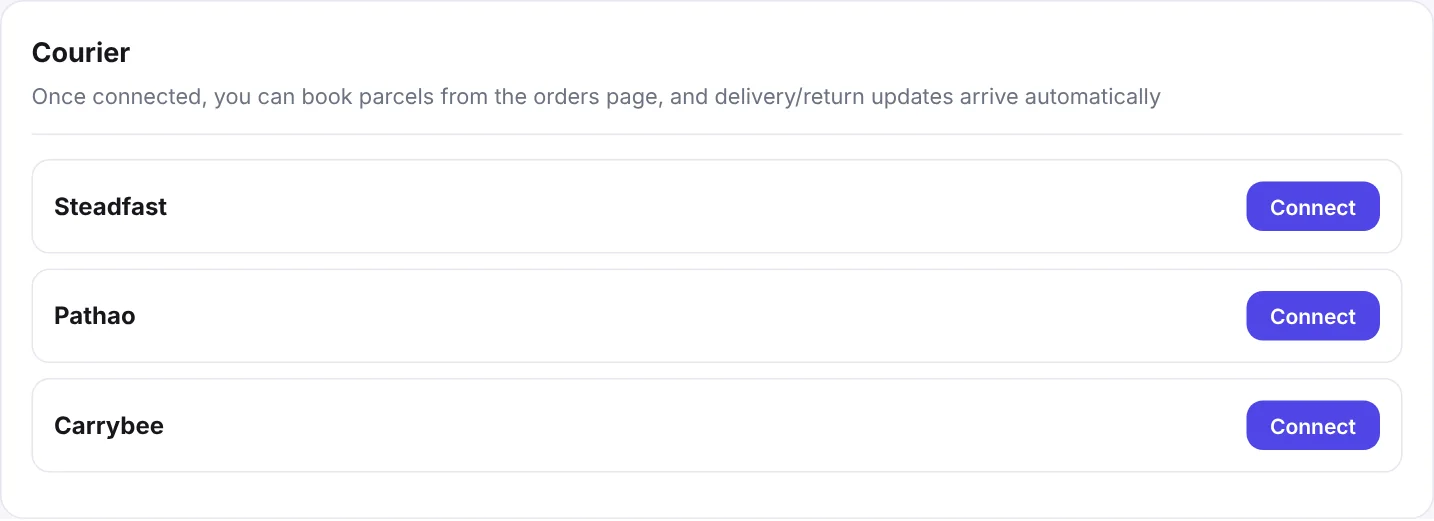
- In your Nimeshe admin, open Delivery & Courier and scroll to Courier.
- Click Connect next to Steadfast.
- Paste the API Key and Secret Key, with no spaces before or after.
- Click Verify & Save. Nimeshe checks the keys with Steadfast and tells you at once if they're wrong.
- On success you'll see a Webhook URL. Click Copy.
- Paste that URL into the webhook settings of your Steadfast panel and save.
Connecting Pathao
From the developer/API section of your Pathao merchant panel, get the Client ID, Client Secret, your Pathao merchant email and merchant password, and your Pathao Store ID. Enter them with Connect in the same place.
Pathao needs a city and zone, which come from the district and thana the customer picked at checkout.
Connecting Carrybee
Get the Client ID, Client Secret, Client Context and Carrybee Store ID from Carrybee and connect the same way. Nimeshe works out whether it's a sandbox or live account by itself.
Using several couriers
You can keep several couriers connected. Each order then shows a button per courier — pick the one you want for that order.
Is my information safe?
Yes. Your API keys are stored encrypted and never shown in full again. Disconnect deletes the saved details completely.
FAQ
It says the API Key or Secret Key is wrong.
Copy both again with no spaces before or after, and check you didn't swap them. If you created new keys in Steadfast, the old ones stop working.